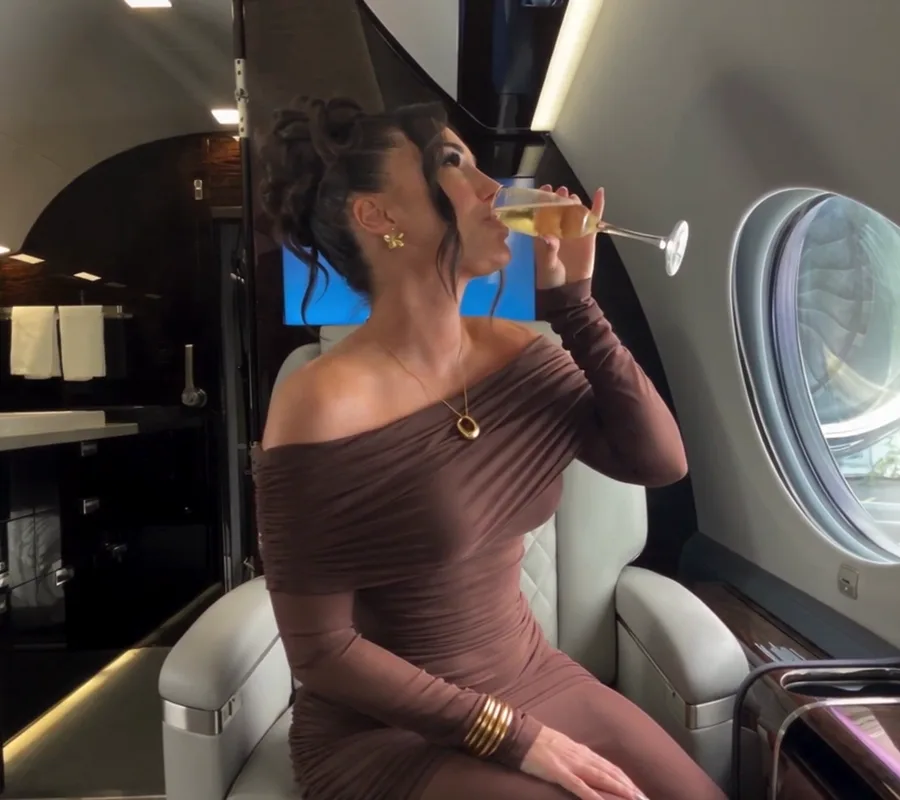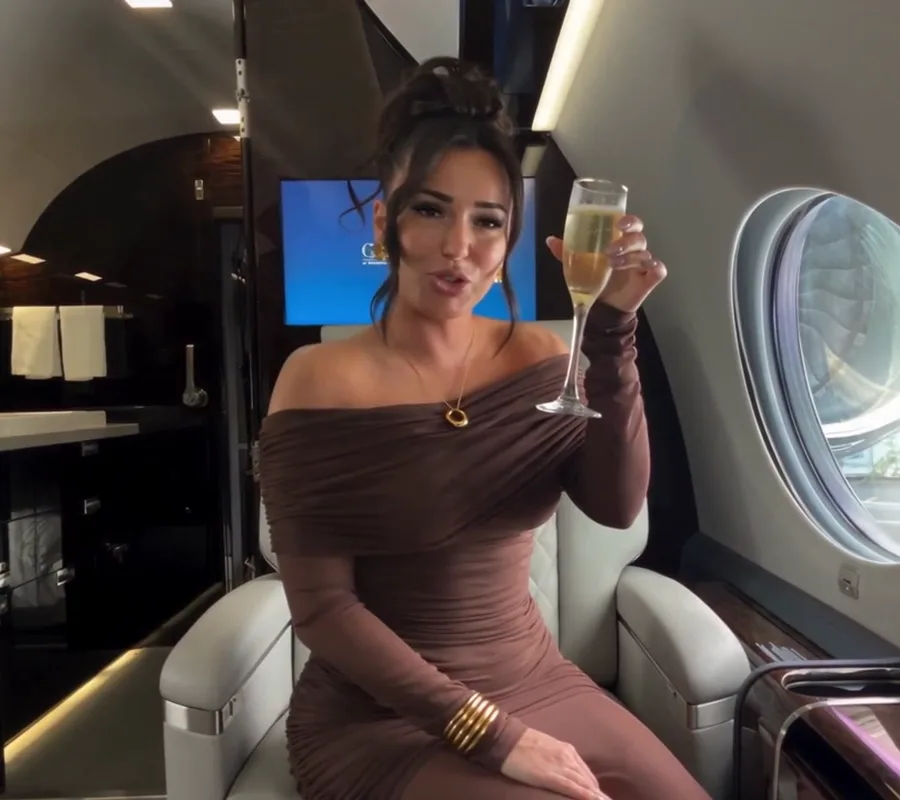
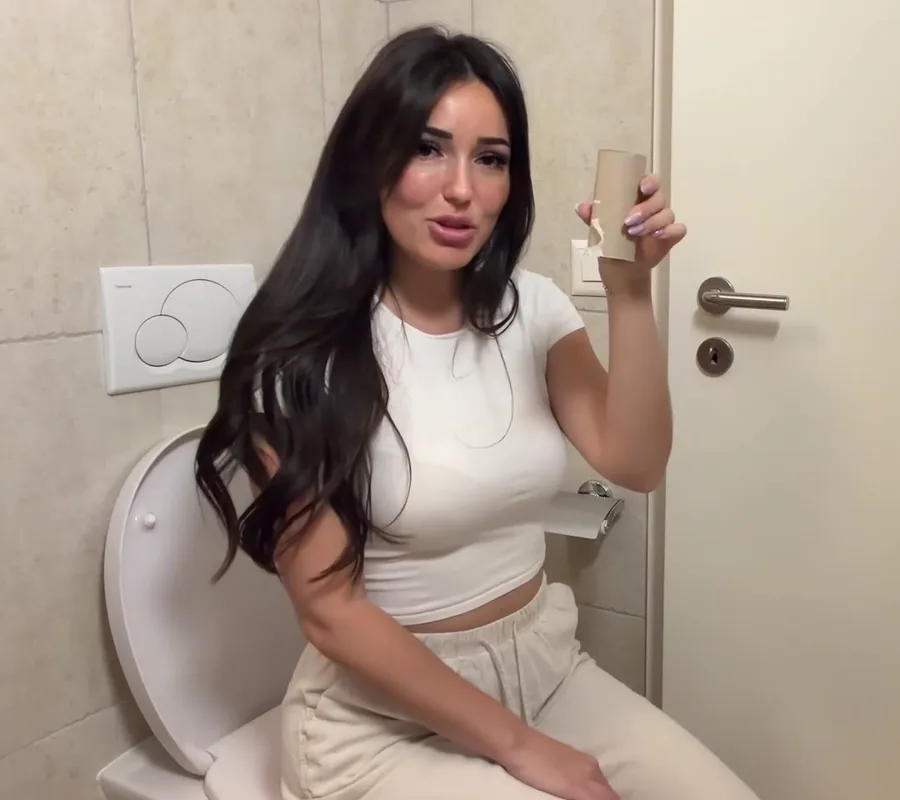
The tutorial, step by step.
1Step 1
Download the app.
- Download Shoot AI.
- Open the app.
- Click “I transform a video”.
 Click here
2Step 2
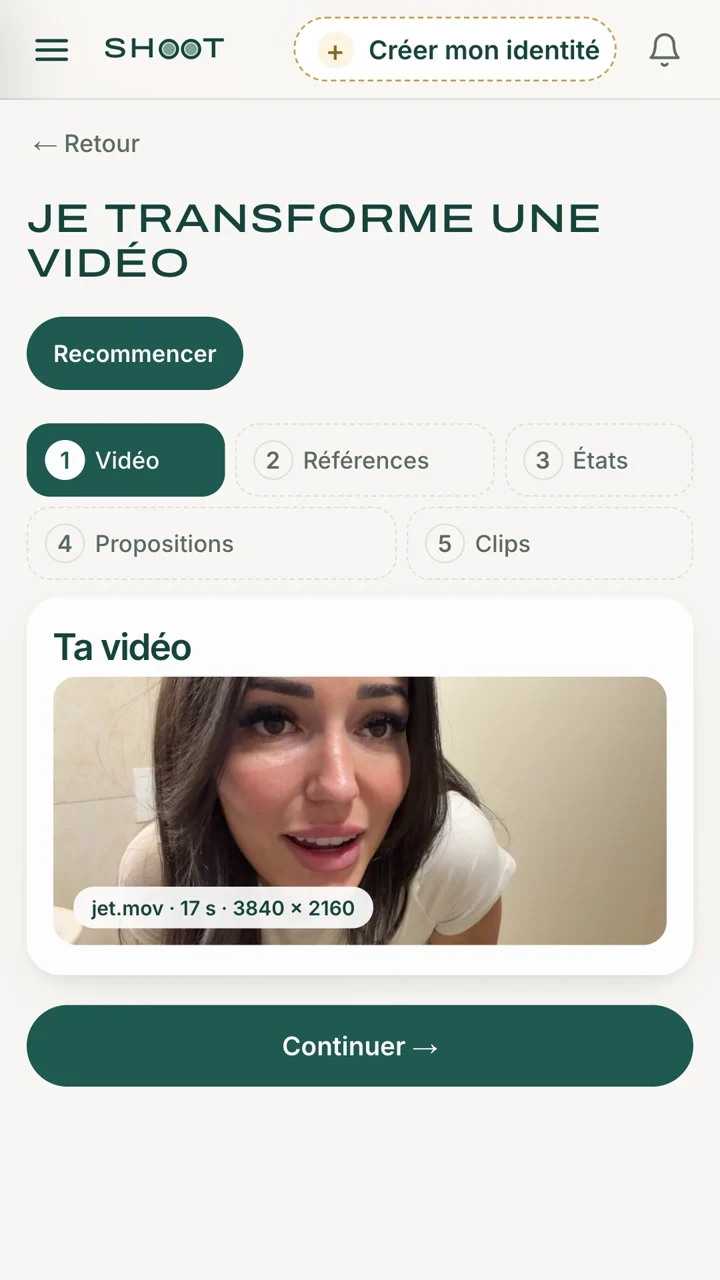
Import your video.
- Click “Your video”.
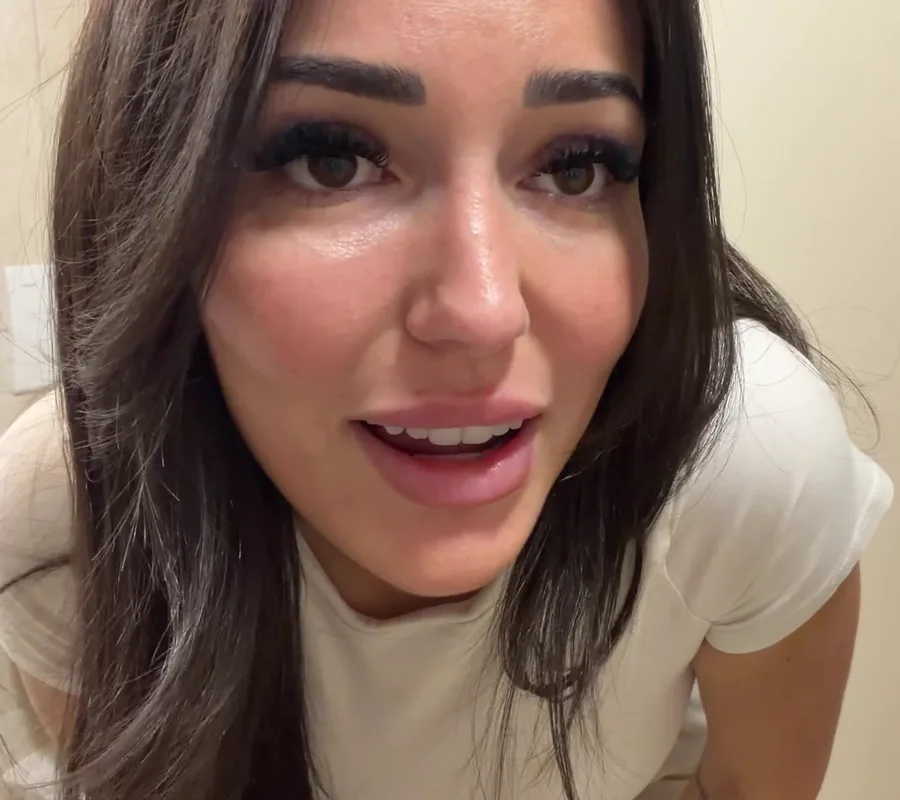
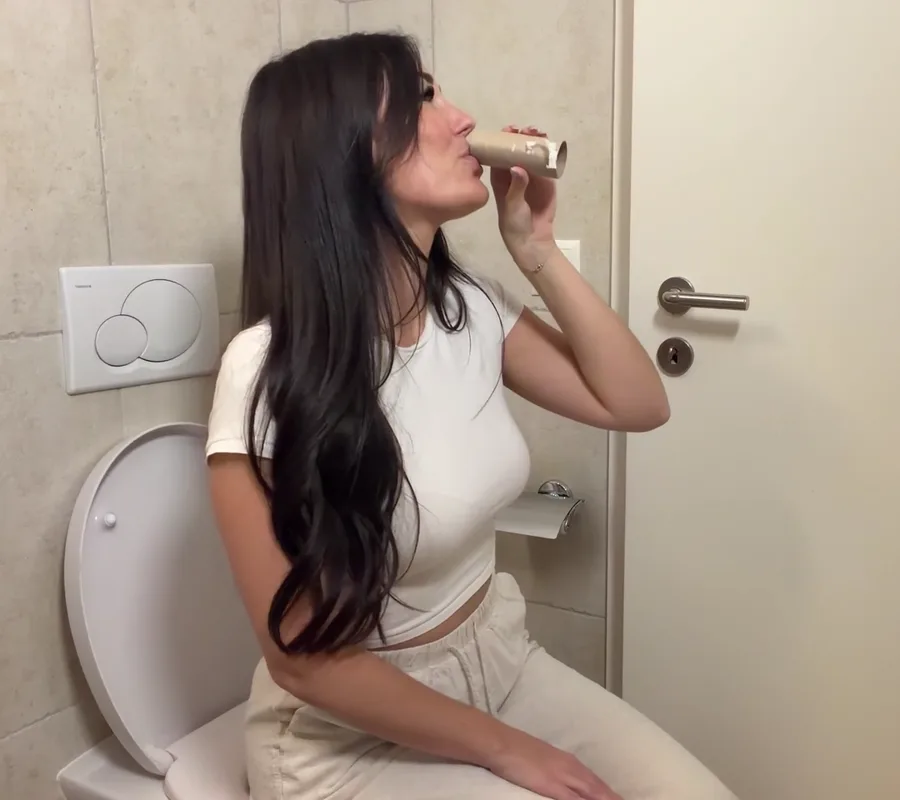
- Choose your video.
- Click “Continue”.
3Step 3
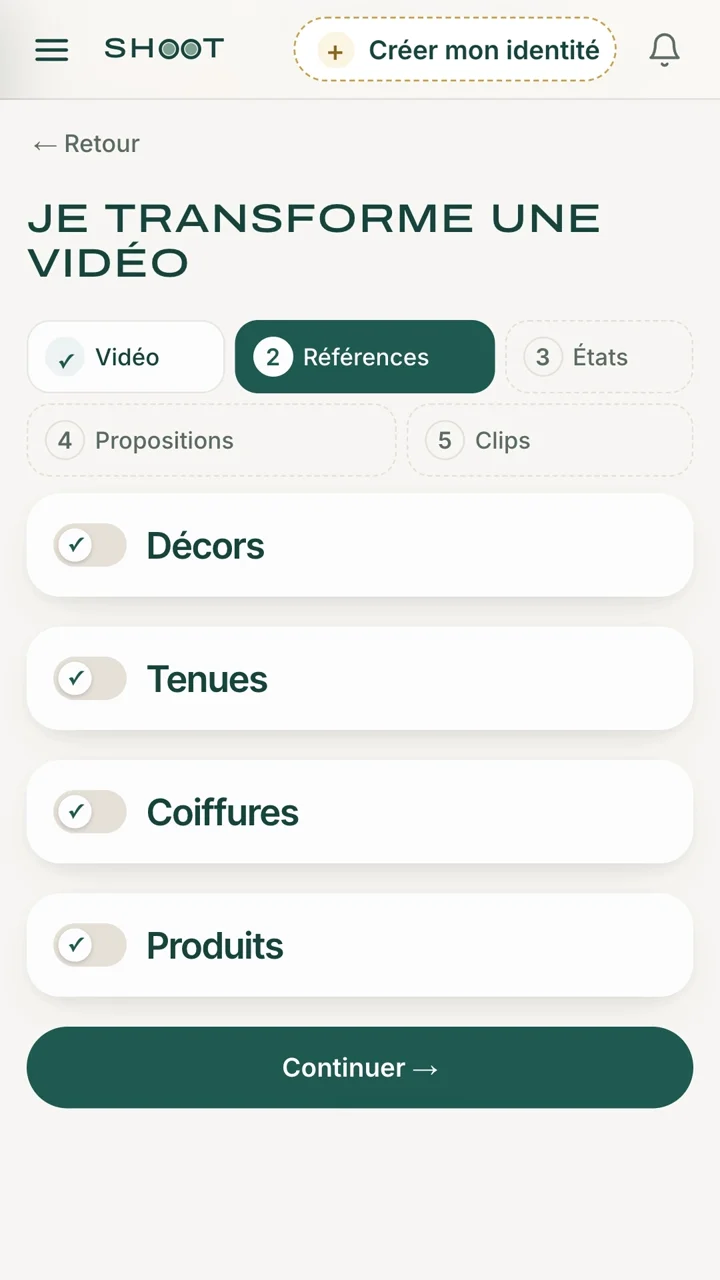
Import your references.
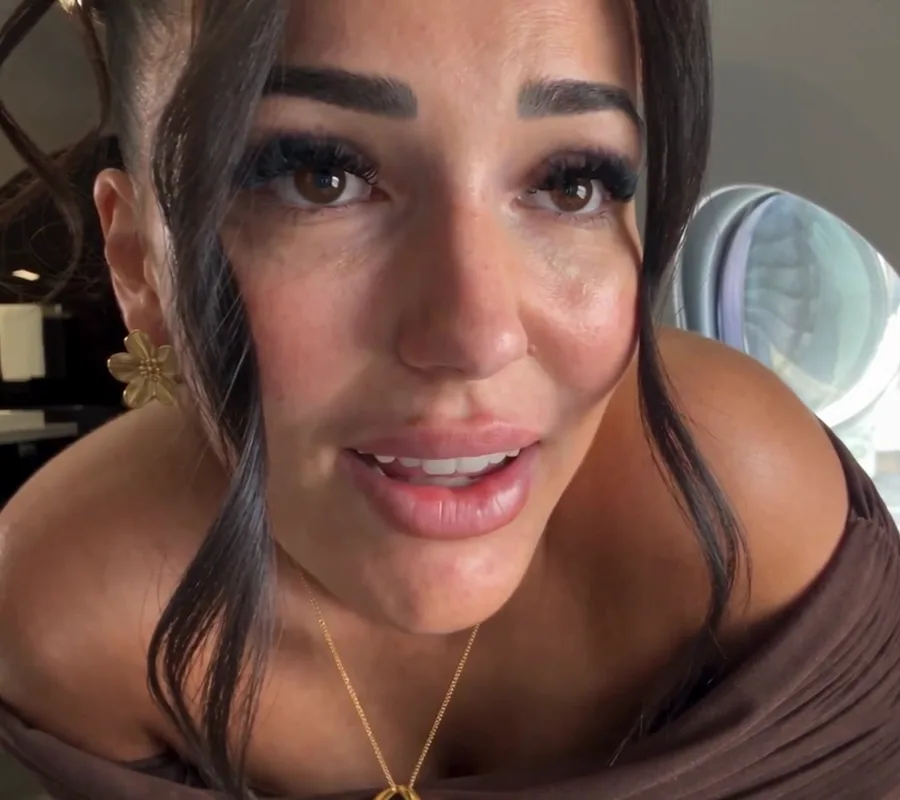
- Turn on Setting: photo of the jet.
- Turn on Outfit: photo of the dress.
- Turn on Hairstyle: photo of the bun.
- Turn on Product: photo of the glass.
4Step 4
Choose what changes.
- Here, everything changes from the 1st second: don’t cut anything, your video stays in one piece.
- Tick what changes: setting, outfit, hairstyle, product.
- Click “Continue”.

5Step 5
Check before you create.
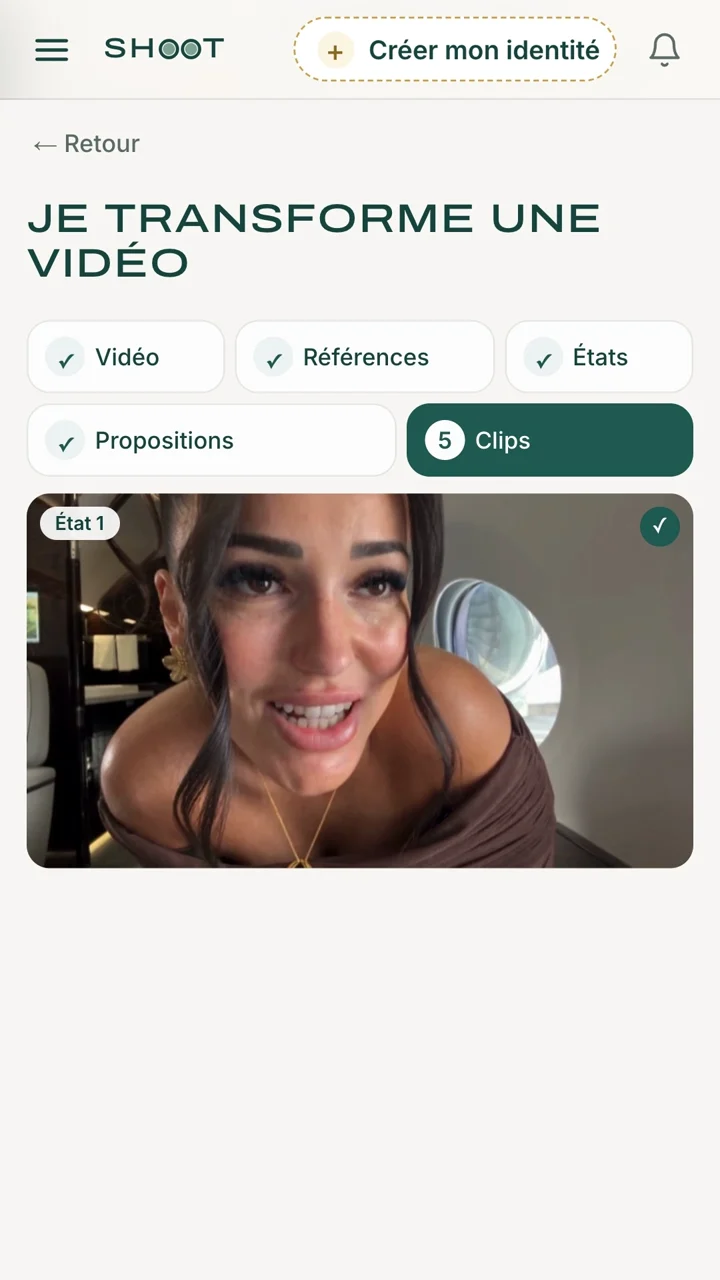
- Shoot AI has written what it will ask the video AI: read it.
- A detail is wrong? Fix the text. Otherwise, leave it as it is.
- Click “Generate my clips”.

6Step 6
Generate your swaps.
- Your clip is ready in 3 minutes, all by itself.
- Download it.
- Post it.