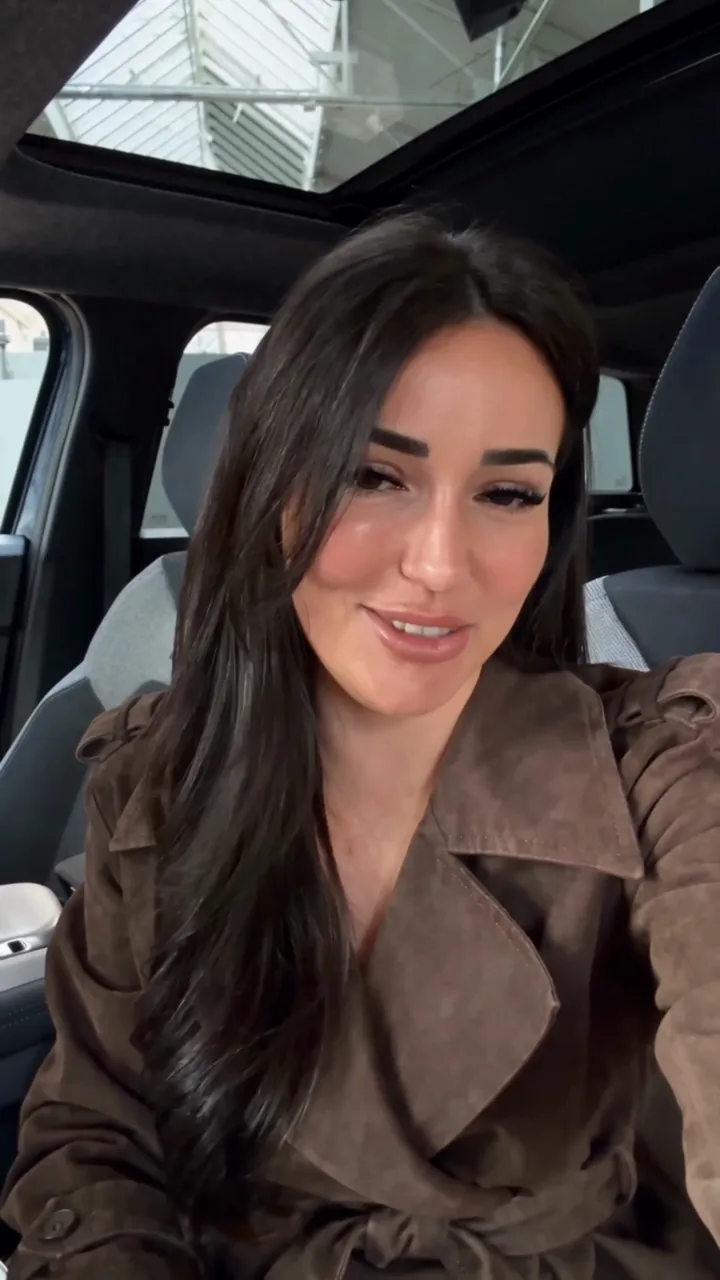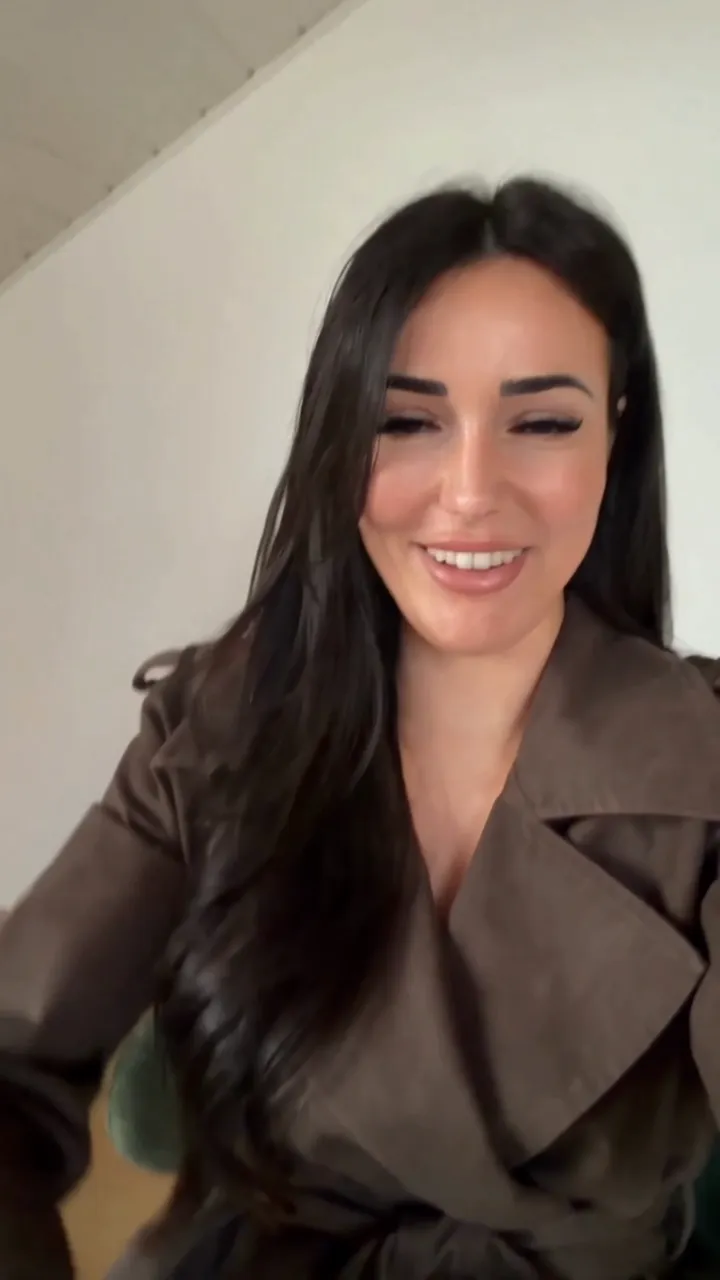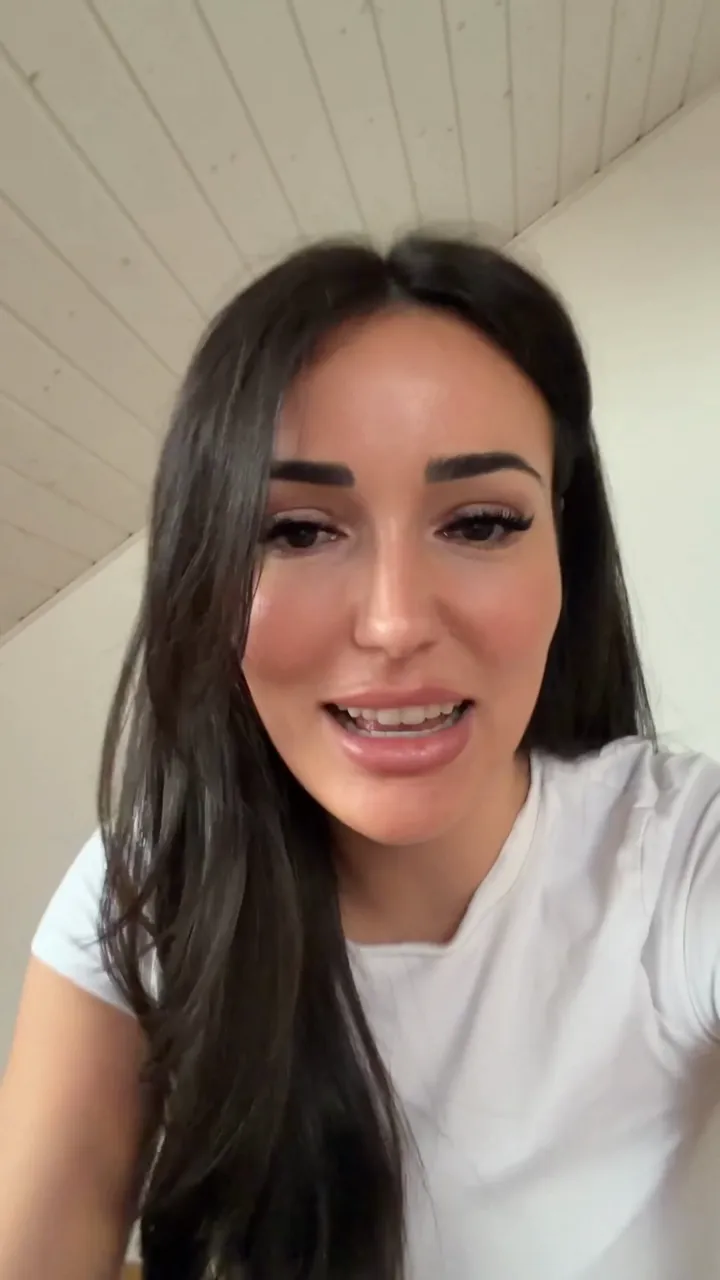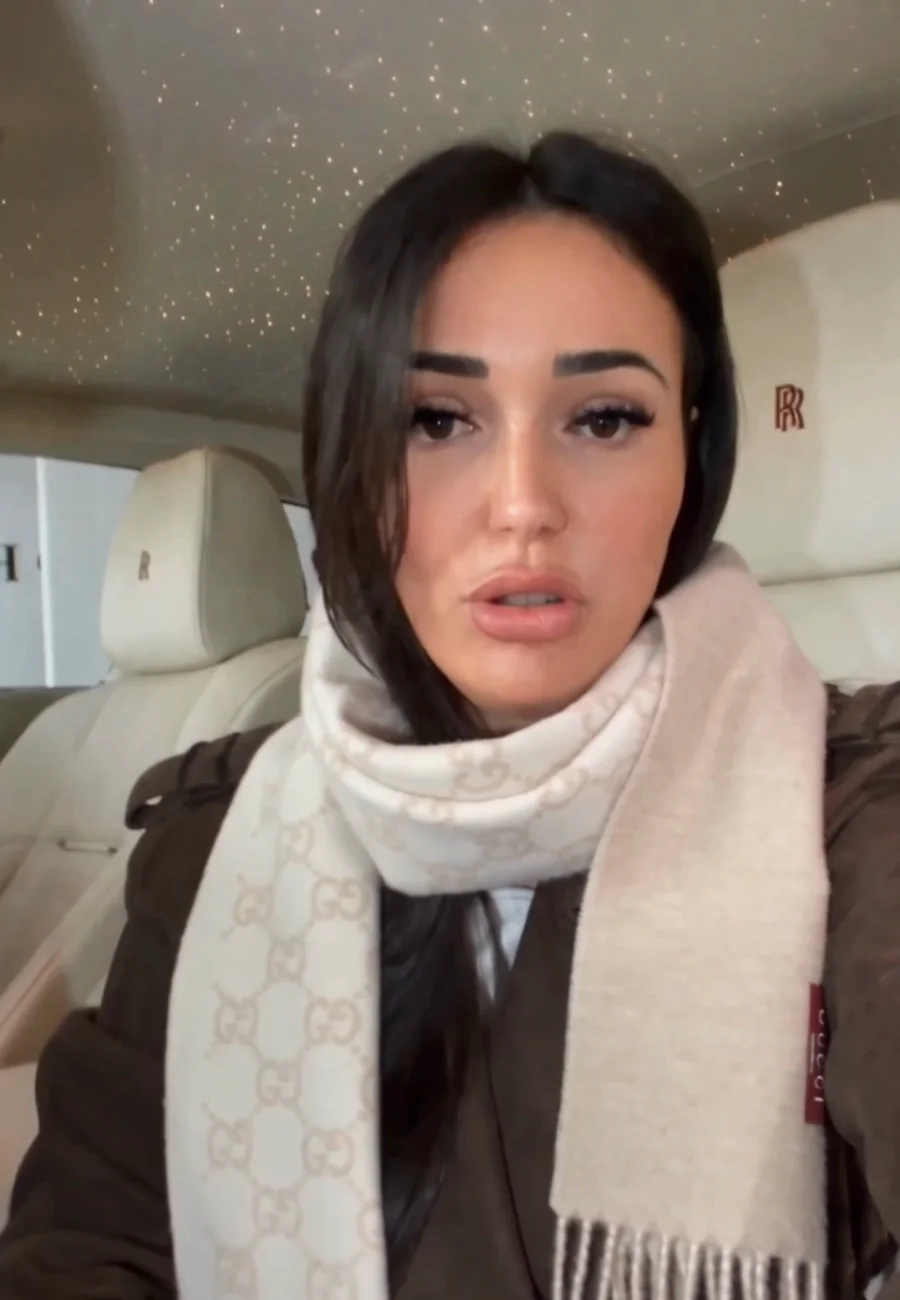
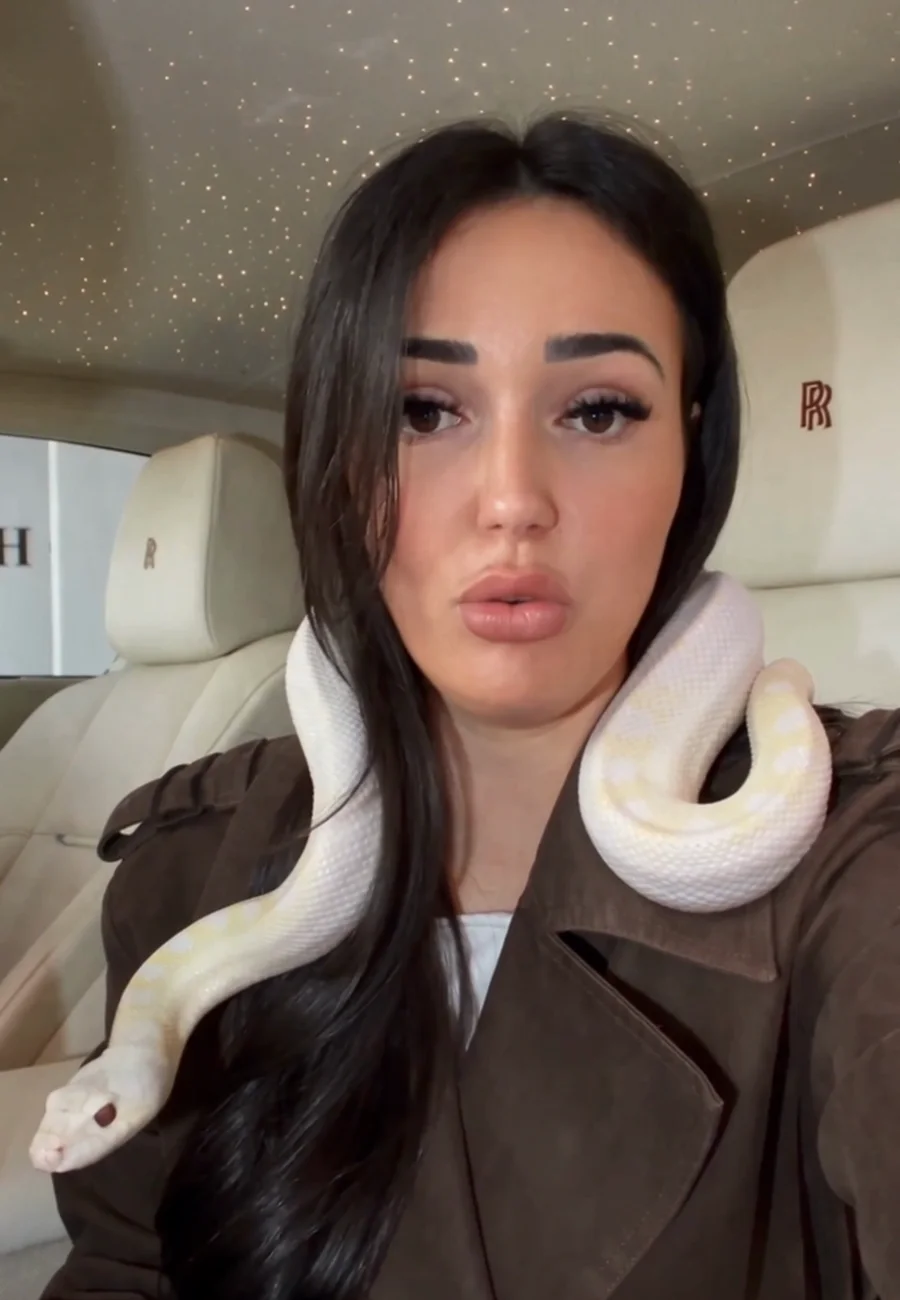
The tutorial, step by step.
1Step 1
Download the app.
- Download Shoot AI.
- Open the app.
- Click “I transform a video”.
 Click here
2Step 2
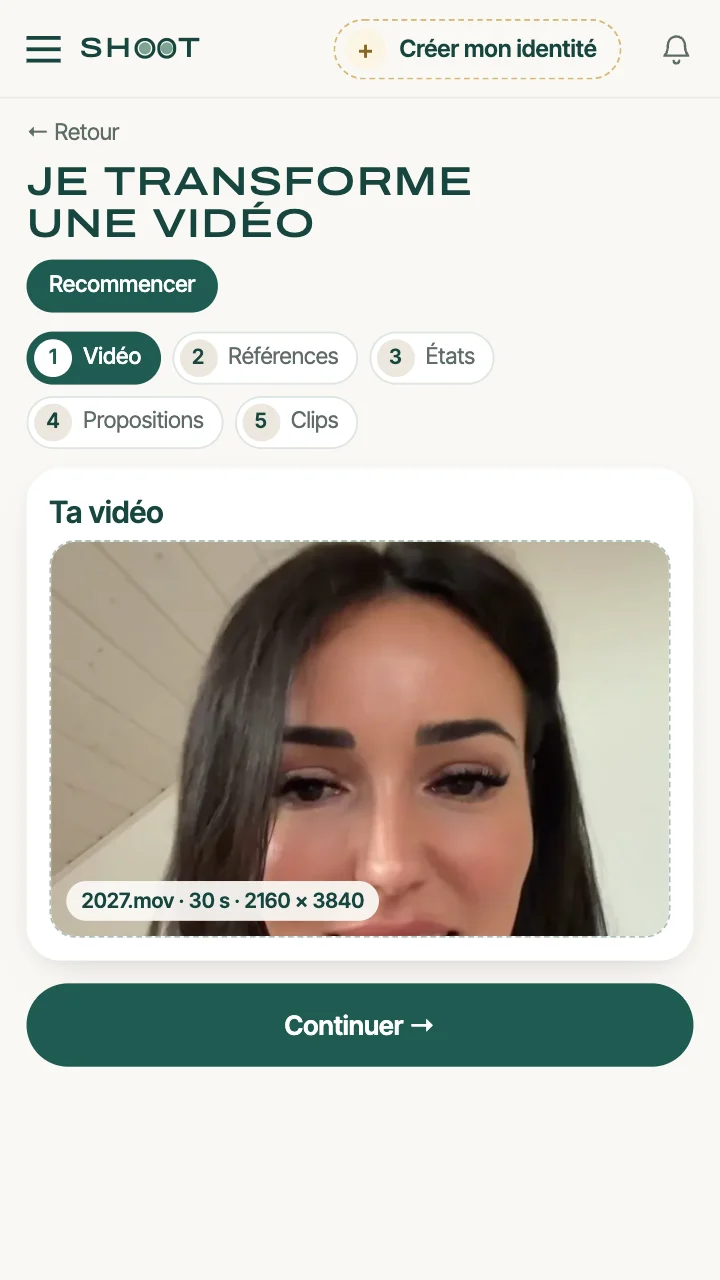
Import your video.
- Click “Your video”.
- Choose your video.
- Click “Continue”.
3Step 3
Import your references.
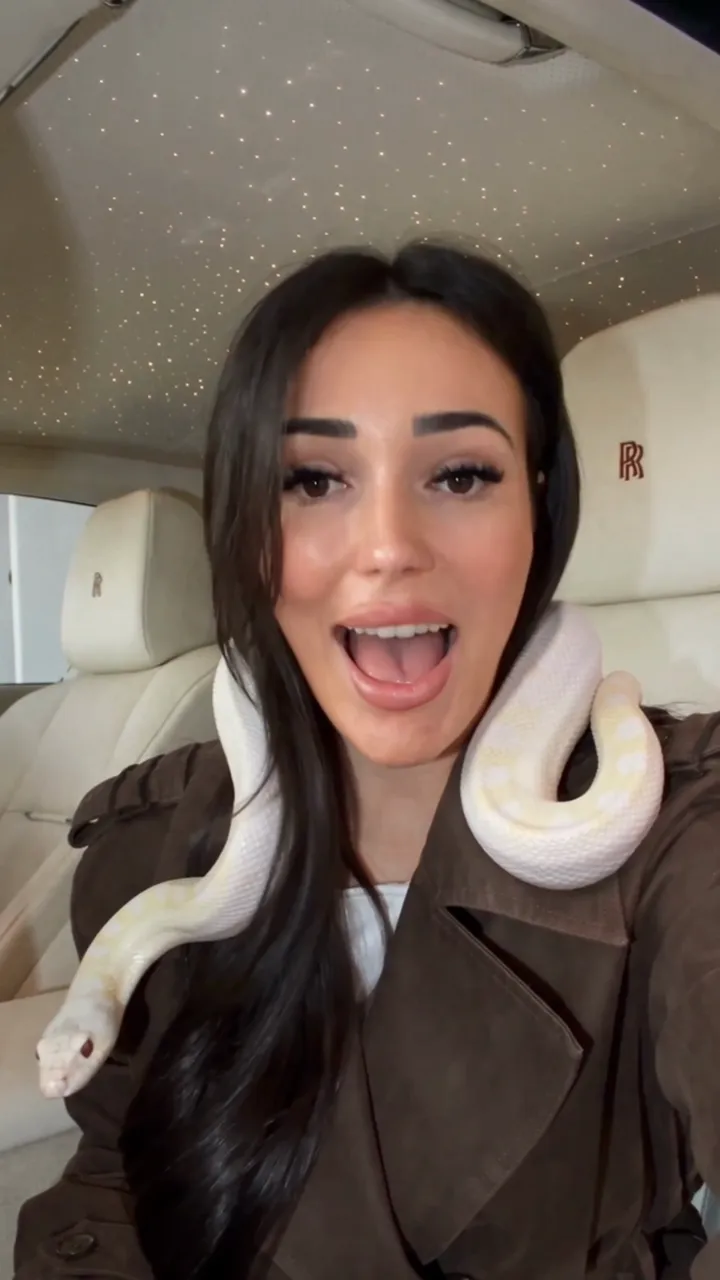
- Turn on Setting: the photo of the Rolls-Royce, then the one of the Clio.
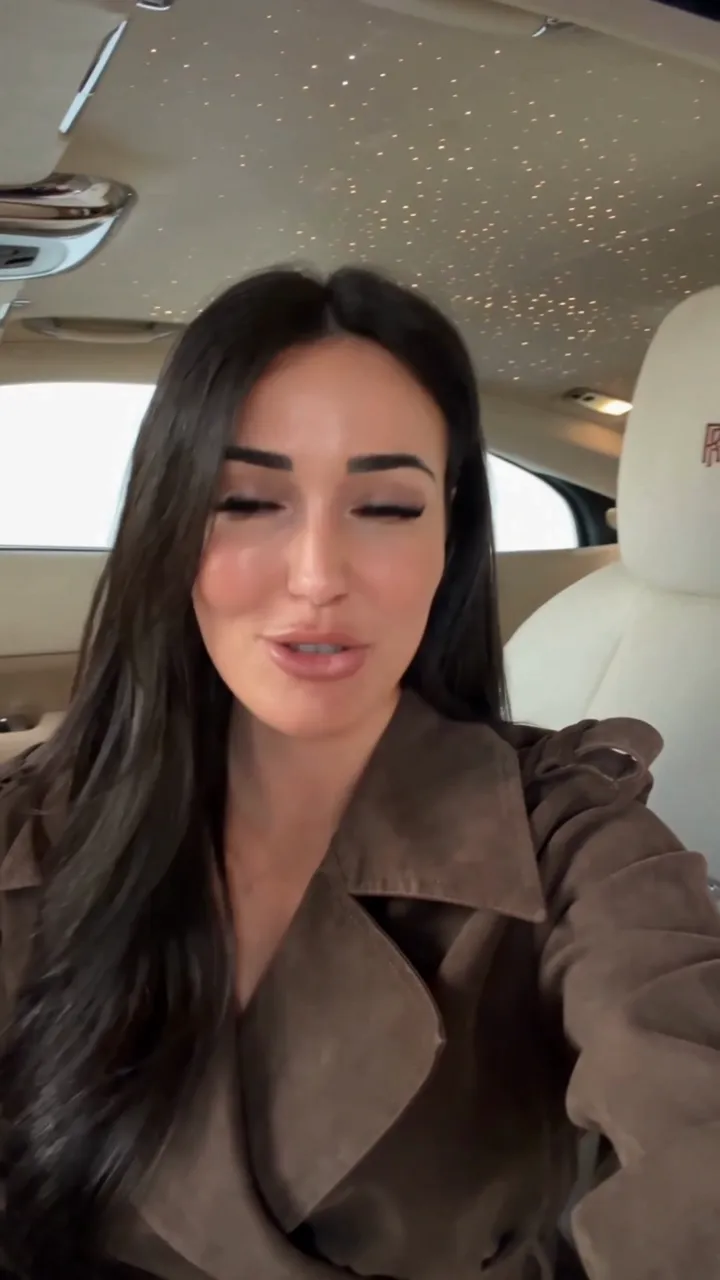
- Turn on Outfit: the photo of the trench coat.
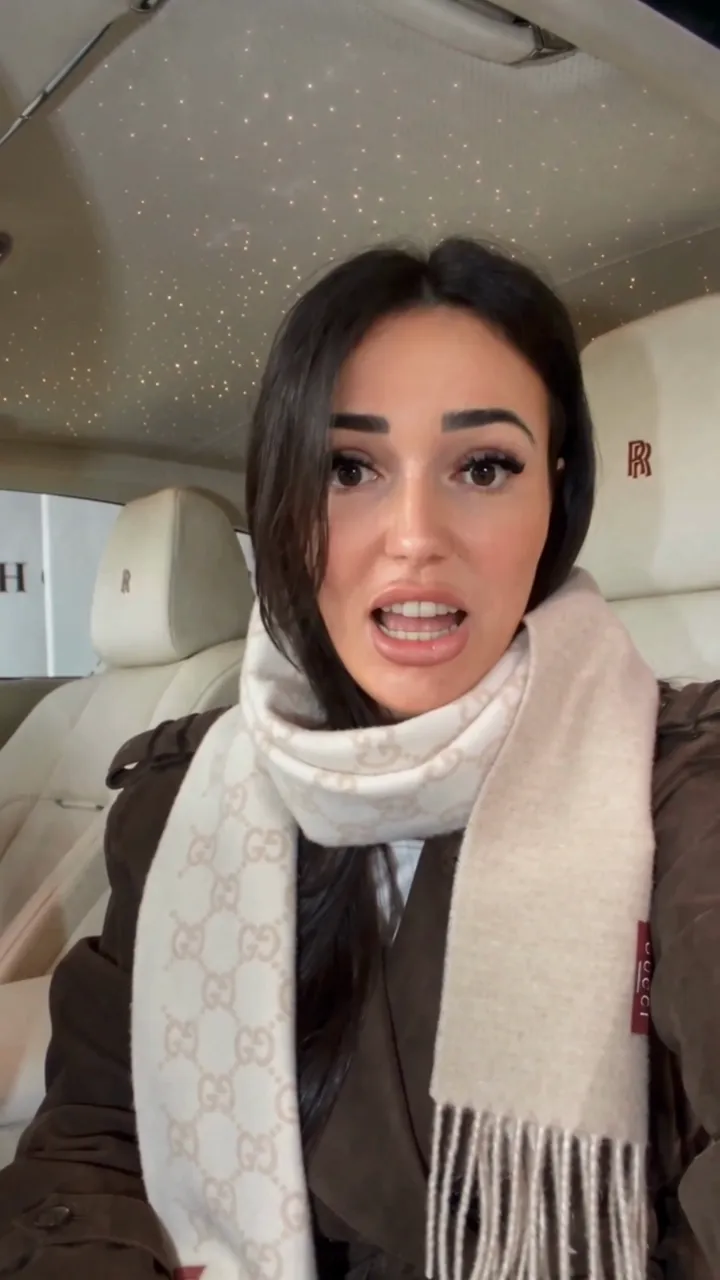
- Turn on Product: the photo of the python, then the one of the scarf.

4Step 4
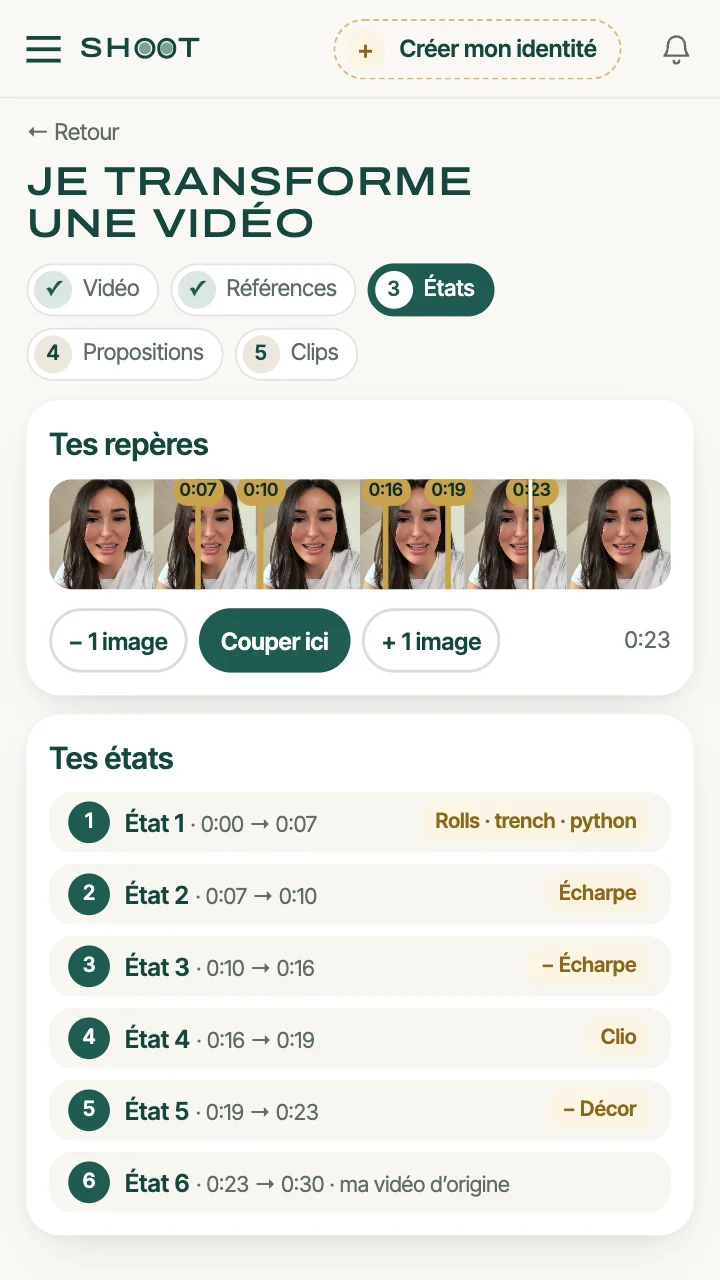
Cut your video into moments.
- A moment is a part of your video where something changes. Play your video and click “Cut here” at every change.
- For each moment, tick what changes and choose the photo.
- Click “Continue”.
5Step 5
Check before you create.
- Shoot AI has written what it will ask the video AI: read it.
- A detail is wrong? Fix the text. Otherwise, leave it as it is.
- Click “Generate my clips”.

6Step 6
Generate your swaps.
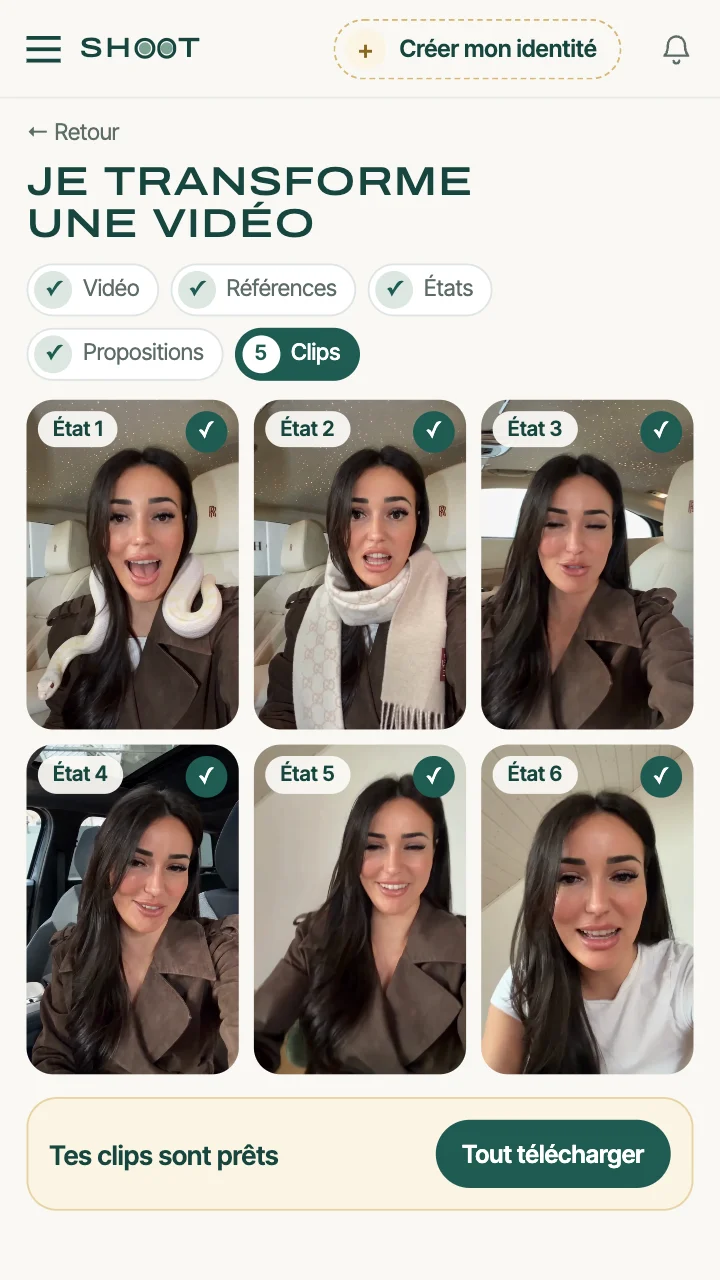
- Shoot AI creates a clip for every moment that changes, all by itself.
- Click “Download all”: your clips arrive in order.
- Put them end to end and post your video.